 Lukta
Already using Lukta? Open Google Play to update without uninstalling.
What Lukta does
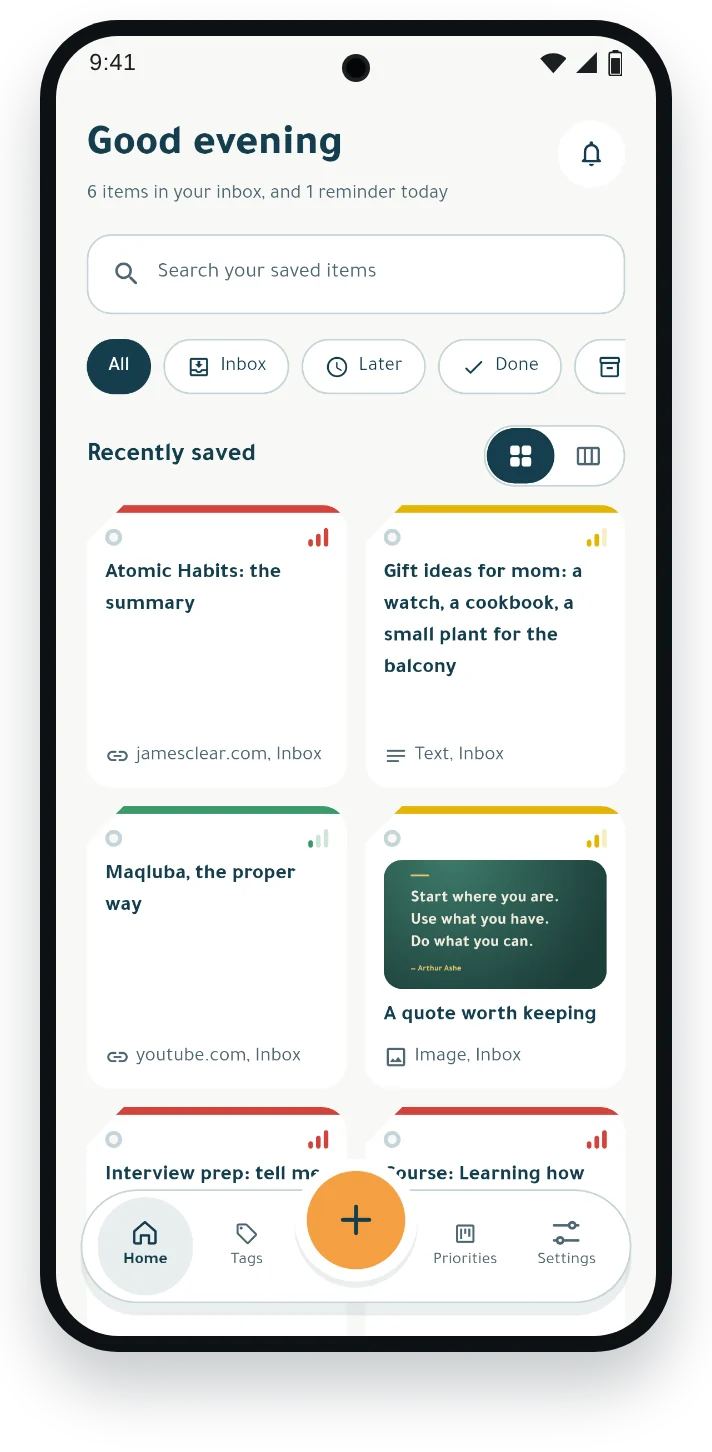
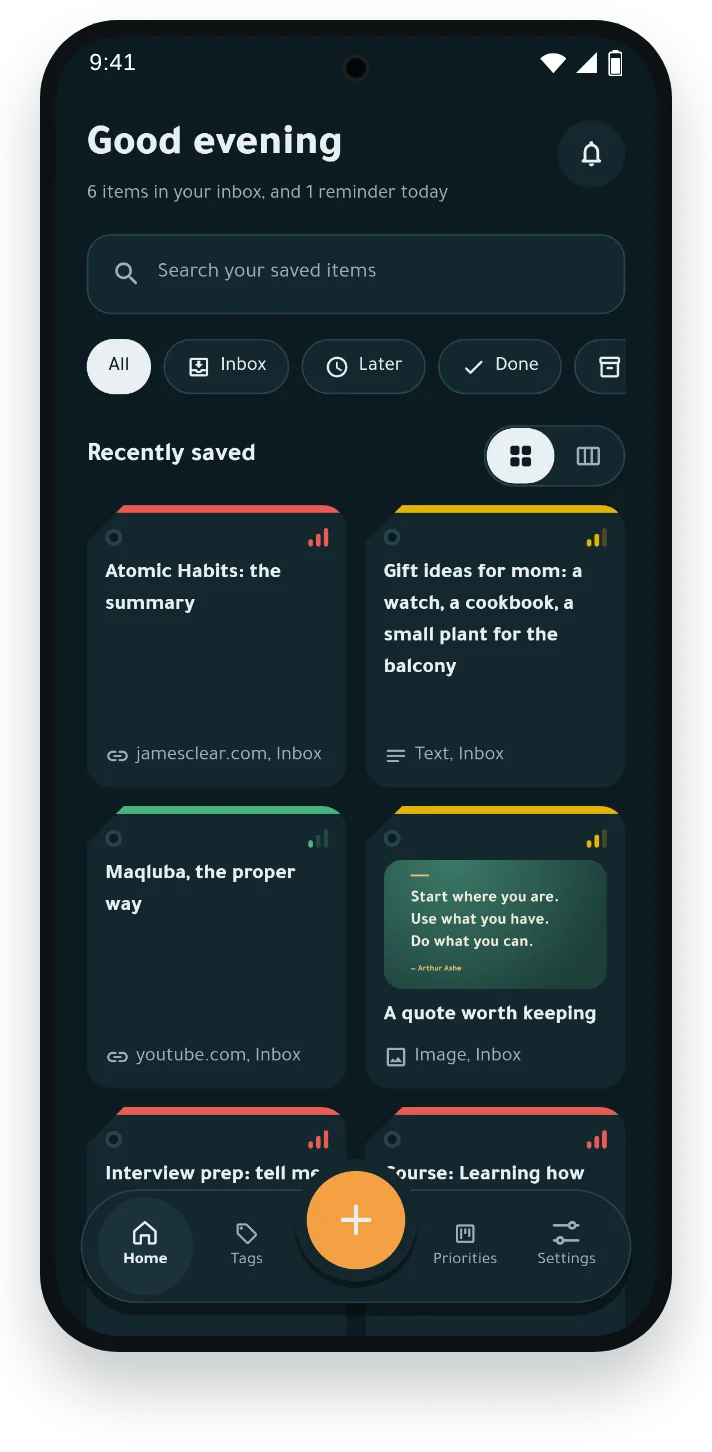
- Save from any appTap Share and pick Lukta, or paste a link or type some text.
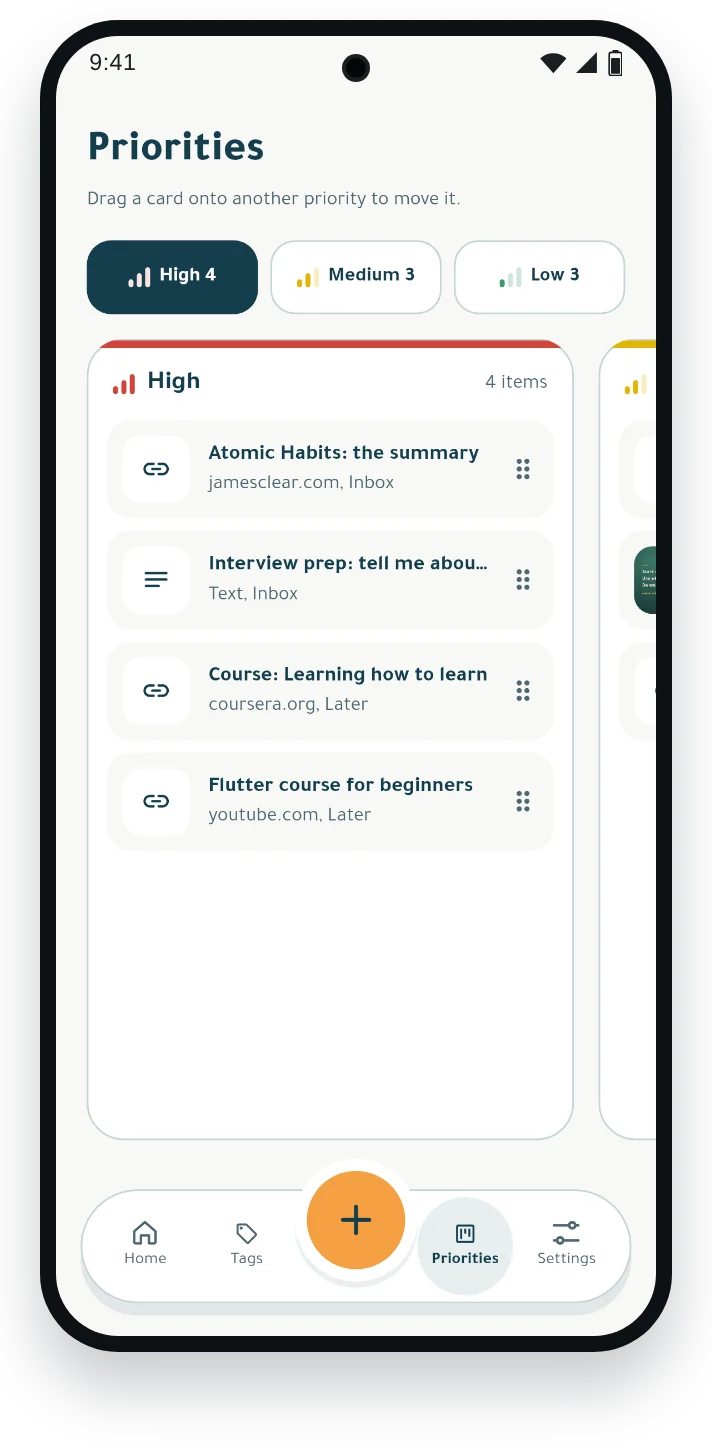
- Sort it your wayPriorities, tags and statuses; drag any item to move it.
- Reminded on timeSet a reminder on anything; it arrives even offline.
- No account neededIt works fully on your phone; an account is for reaching it from more phones.
Install and update with Google Play
- Tap “Get Lukta on Google Play” to open the app listing.
- Tap “Install” if you’re new, or “Update” if you already have an older version.
- Open Lukta and start saving and organizing your content.
If you originally downloaded Lukta from this website, update it through Google Play over your existing installation. Do not uninstall first, so your locally saved data remains available.
Privacy
- Privacy policyWhat the app keeps, where, and how you control it.
- Delete your accountHow to delete your account and all its data.